
What Is a Website Conversion Audit?
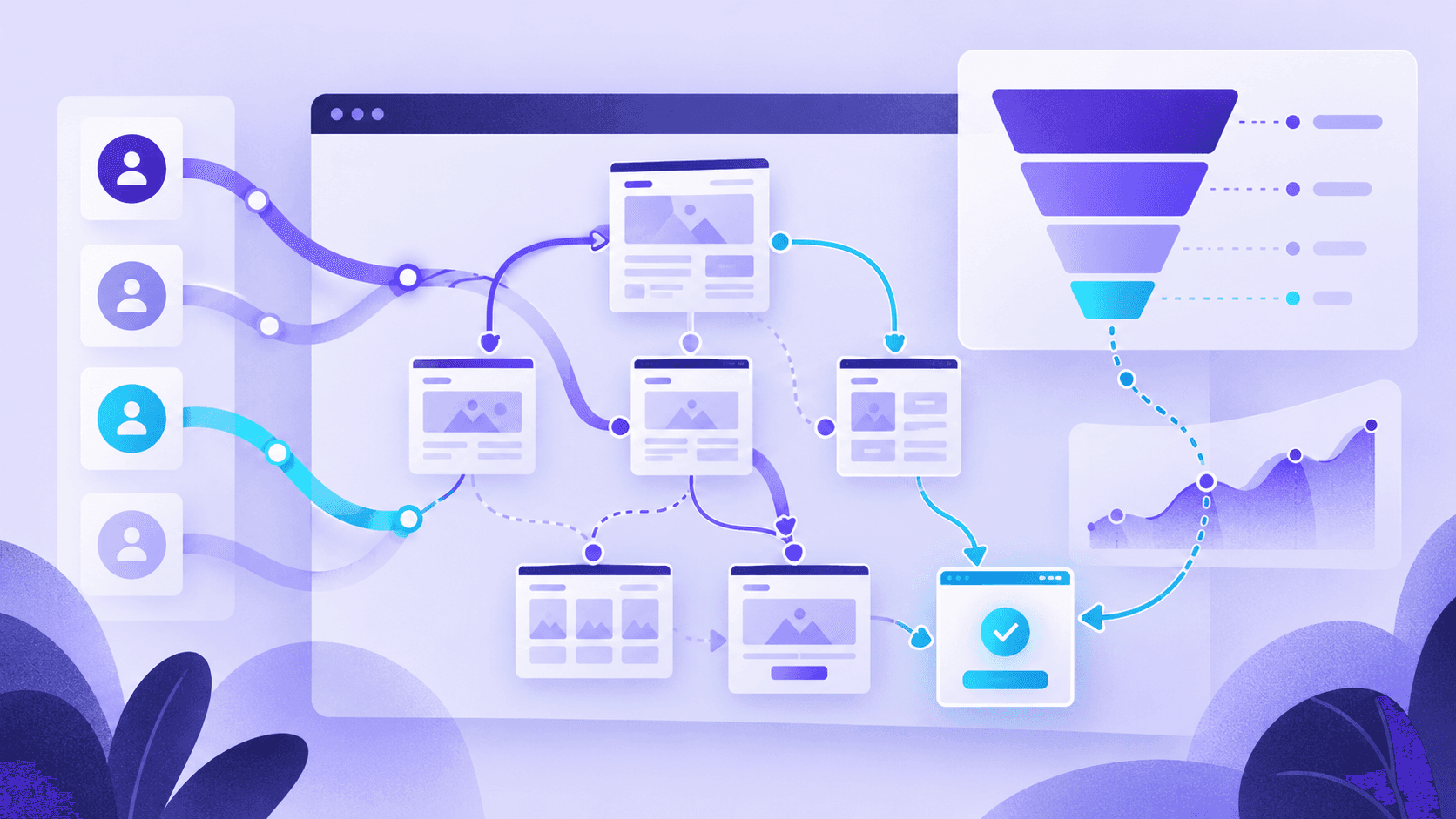
Practical reading with ideas you can apply to product pages, landing pages, and funnels.
A Website Conversion Audit Is a Diagnosis, Not a Redesign Wish List
A website conversion audit is a structured review of the pages, messages, and interactions that influence whether visitors become leads, trials, or customers. Its job is not to say whether a site looks modern. Its job is to identify what is preventing action.
That matters because many teams confuse traffic problems with conversion problems. They keep buying clicks, publishing more content, or redesigning pages without first understanding where the user journey is breaking down.
What a Conversion Audit Actually Checks
A good audit looks at how a page supports decision-making. It examines whether the offer is clear, whether the page matches intent, whether trust is strong enough, and whether the next step feels obvious and low-friction.
- Clarity: Can users understand the offer in seconds?
- Hierarchy: Are the most important messages and actions visually obvious?
- Trust: Do proof, reassurance, and credibility reduce hesitation?
- Friction: Are there unnecessary steps, distractions, or unanswered questions?
- Intent match: Does the page align with why the user came in the first place?
Croopt's website conversion audit asks the same questions of every page: it scores each one against ten conversion dimensions and flags each score by priority, so a weak score on something that matters is not buried next to a weak score on something that does not.
Which Pages Usually Need Auditing First
The best place to start is usually not “the whole site.” Start with the pages closest to business value:
- Landing pages receiving paid or campaign traffic
- Homepage if it is a primary entry point
- Pricing pages where users decide whether to move forward
- Signup forms where completion drops
- Product pages, carts, and checkout for ecommerce businesses
What a Conversion Audit Is Not
A conversion audit is not the same thing as a technical SEO audit, accessibility audit, or brand review. Those are valuable, but they answer different questions.
If rankings are weak, you may need SEO work. If performance is poor, you may need engineering fixes. If users arrive but fail to act, you almost always need a conversion diagnosis.
What the Output Should Look Like
A useful audit should end with priorities, not vague observations. You should know which issues matter most, which page type is costing the most, and which changes deserve testing first.
- Top conversion blockers by page
- Priority recommendations by expected impact
- Quick wins versus structural issues
- Suggested follow-up pages to audit next
If you want to see that output before you run one, the CRO audit report example shows a finished audit of our own homepage.
When to Run One
Run a conversion audit when traffic is healthy but output is weak, before a redesign, before scaling paid acquisition, or when teams disagree about what the real problem is. The audit gives you a cleaner starting point for decisions.
How to Run One on Your Own Pages
- Pick the page closest to the money. Use the list above: the landing page, pricing page or signup form where drop-off costs you most.
- Ask the same questions of it every time. Do it by hand with the landing page audit checklist, or start an audit and get the findings ranked for you.
- Fix the top few, then check again. Change a small number of things at once so you can tell which one made the difference.
Conclusion
A website conversion audit helps turn “something feels off” into a concrete diagnosis. That is why it is one of the highest-leverage first steps for teams trying to improve revenue without blindly changing everything at once.
External resources